How to View Your Class Schedule and Timetable in Schoology (EPISD Guide)
Wondering where your class schedule is in Schoology? Learn where EPISD students find their courses, period times, and room numbers — plus what to do if a class is missing.

Wondering where your class schedule is in Schoology? Learn where EPISD students find their courses, period times, and room numbers — plus what to do if a class is missing.
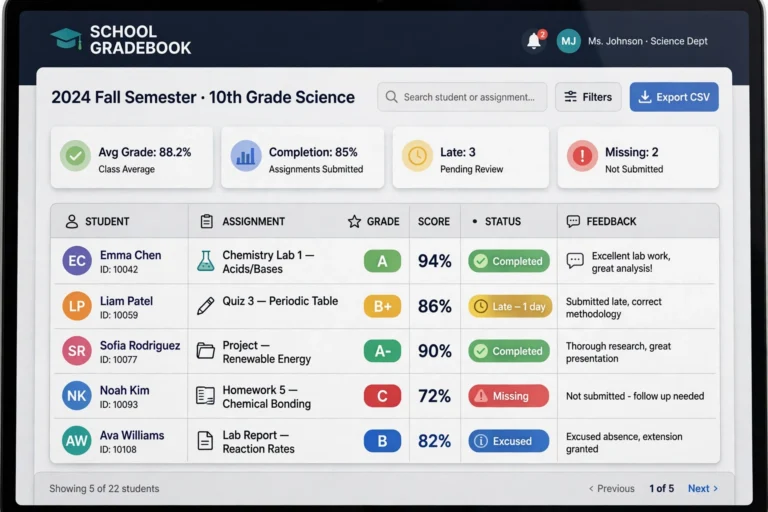
Confused by the icons in your Schoology gradebook? This EPISD guide explains what each grade symbol means — missing, late, excused, dropped, extra credit and more.
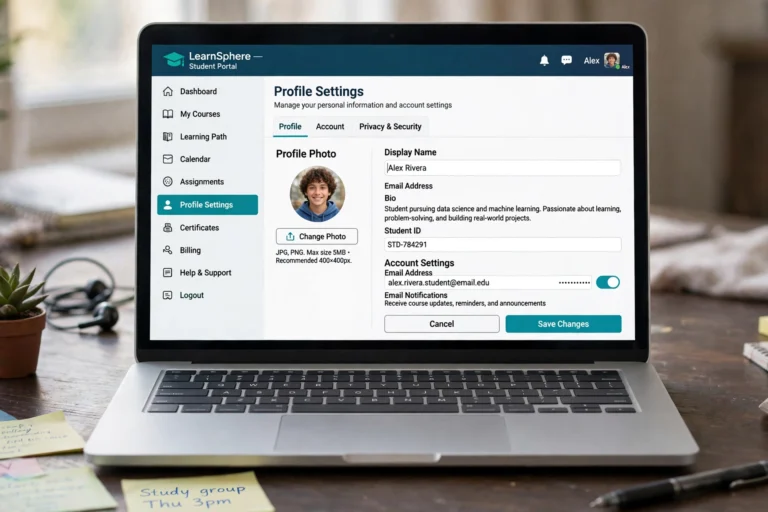
Learn how to update your Schoology profile as an EPISD student or parent — change your profile picture, display name, notification email, and account settings step by step.

Need Schoology help? Find EPISD campus tech support and the district help desk, what info to have ready, typical response times, and quick self-help fixes.

Join Schoology discussions in EPISD the right way: post thoughtful responses, reply to classmates, and follow the discussion etiquette your teachers expect.
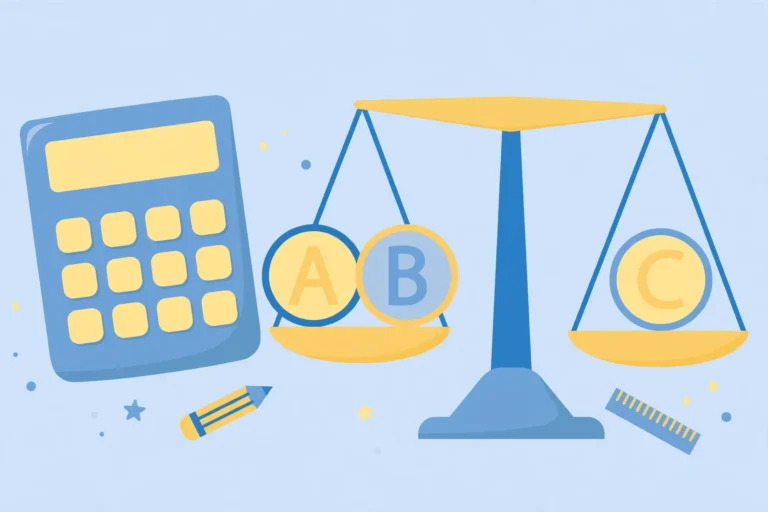
The Schoology EPISD grading scale explained — weighted grade categories, where to find grade details, a worked example, and GPA calculation basics.

How to use Schoology Groups in EPISD — join a group with an access code, take part in discussions and shared resources, and leave when you’re done.

Join a Schoology course with an access code in EPISD: where to get your code, step-by-step joining on web and app, plus fixes for codes that won’t work.
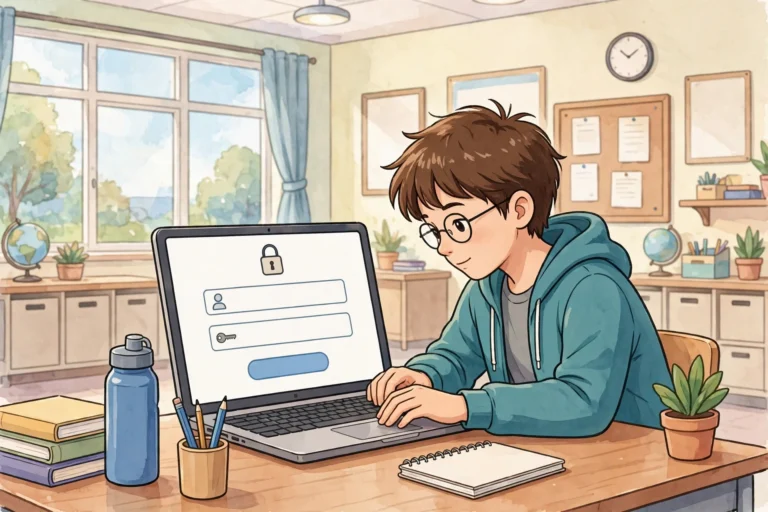
Learn how to log in to Schoology EPISD as a student, find your courses and assignments, and log out safely on shared devices. Complete step-by-step guide.

What is Schoology EPISD? A complete overview of El Paso ISD’s learning platform — features for students, parents, teachers, how to access it, and FAQs.
End of content
End of content