How to View Your Class Schedule and Timetable in Schoology (EPISD Guide)
Wondering where your class schedule is in Schoology? Learn where EPISD students find their courses, period times, and room numbers — plus what to do if a class is missing.

Wondering where your class schedule is in Schoology? Learn where EPISD students find their courses, period times, and room numbers — plus what to do if a class is missing.
Need two parents with Schoology access? Learn how each guardian gets a parent access code, links the same student, and manages notifications in EPISD.
Forgot your Schoology login? Learn where EPISD students find their username and student ID, what the format looks like, and what to do if it doesn’t work.
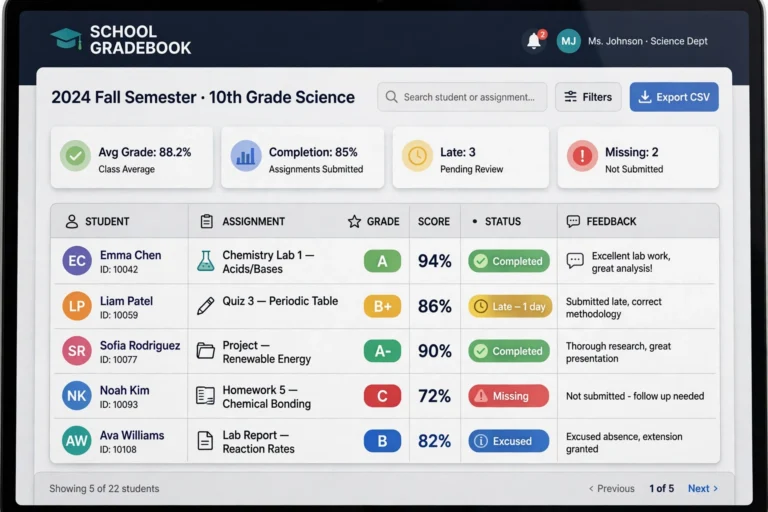
Confused by the icons in your Schoology gradebook? This EPISD guide explains what each grade symbol means — missing, late, excused, dropped, extra credit and more.
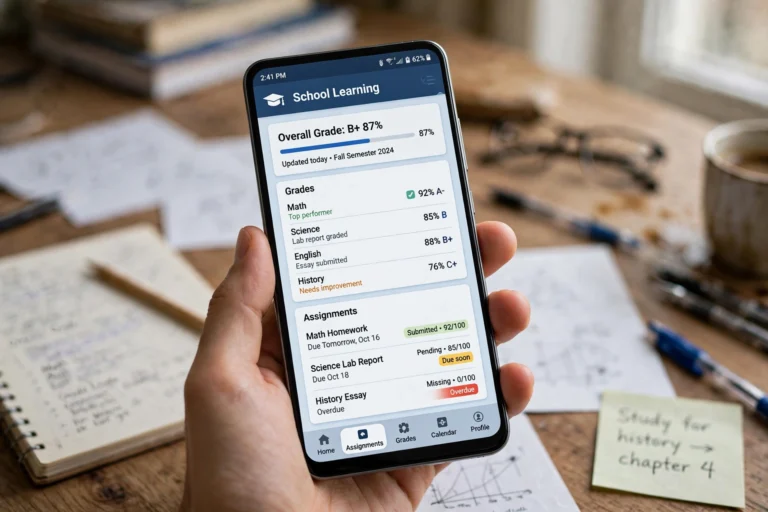
Install and use the Schoology app on your Android phone as an EPISD student or parent — login steps, checking grades, submitting assignments, and mobile tips.
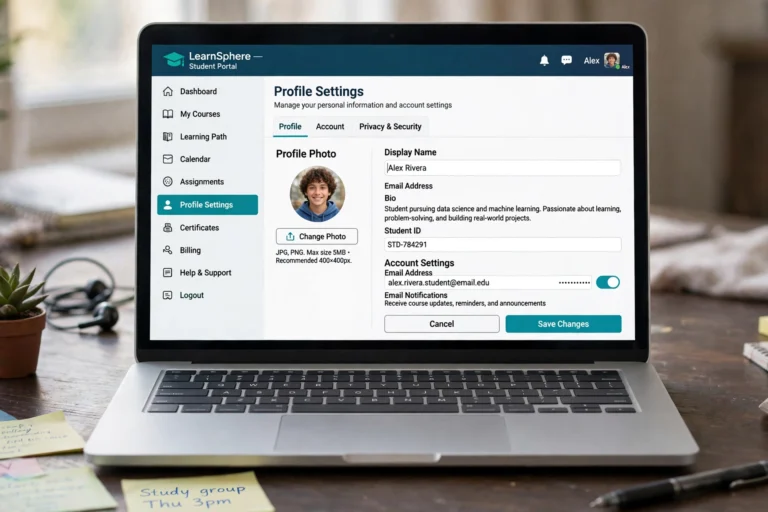
Learn how to update your Schoology profile as an EPISD student or parent — change your profile picture, display name, notification email, and account settings step by step.

Print or save your Schoology grades report in EPISD: browser print-to-PDF steps, mobile options, parent vs student views, and conference and tutoring uses.

Need Schoology help? Find EPISD campus tech support and the district help desk, what info to have ready, typical response times, and quick self-help fixes.
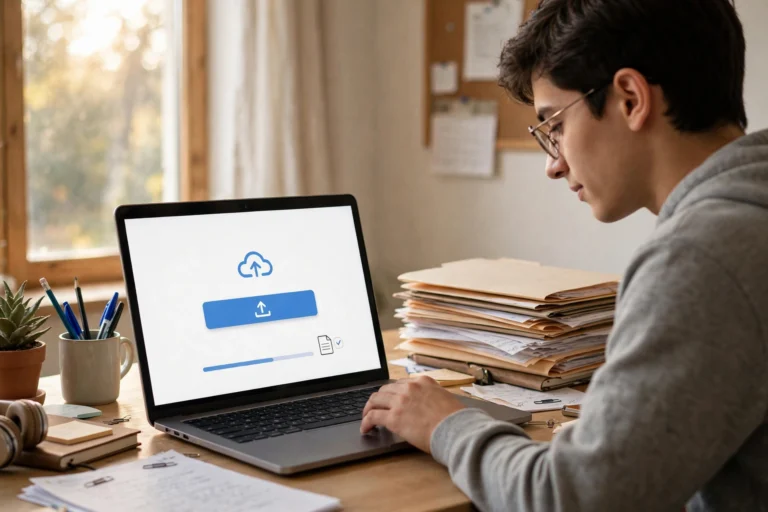
Step-by-step guide to uploading files, photos, and documents in Schoology for EPISD students — camera uploads, Google Drive, file limits, and resubmission tips.
Key EPISD school year dates: first and last day, fall, winter and spring breaks, early-release days, and where to find the official calendar.
End of content
End of content