How to Find Your Schoology Username and Student ID in EPISD
Forgot your Schoology login? Learn where EPISD students find their username and student ID, what the format looks like, and what to do if it doesn’t work.

Forgot your Schoology login? Learn where EPISD students find their username and student ID, what the format looks like, and what to do if it doesn’t work.
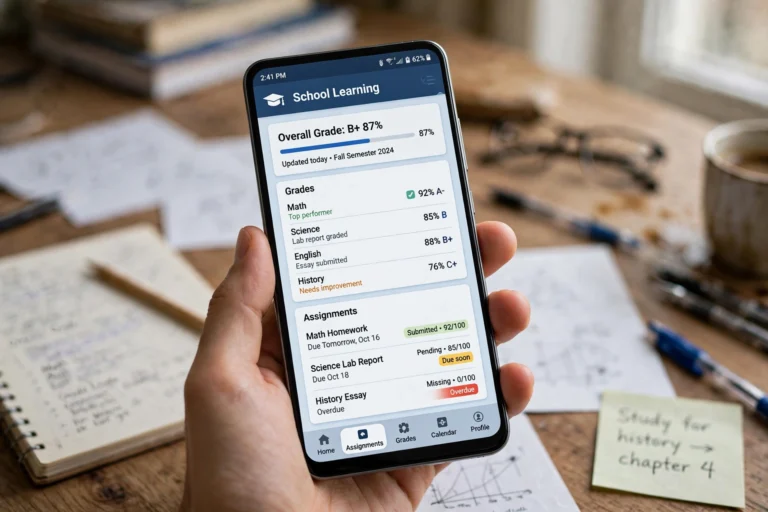
Install and use the Schoology app on your Android phone as an EPISD student or parent — login steps, checking grades, submitting assignments, and mobile tips.

Print or save your Schoology grades report in EPISD: browser print-to-PDF steps, mobile options, parent vs student views, and conference and tutoring uses.
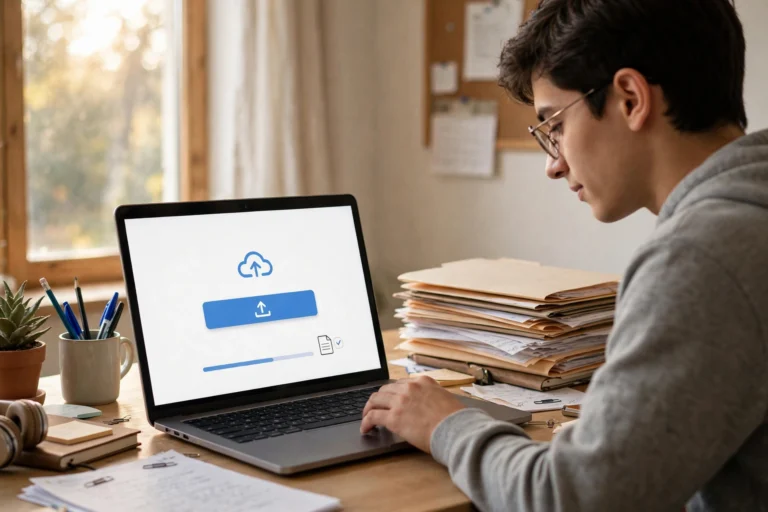
Step-by-step guide to uploading files, photos, and documents in Schoology for EPISD students — camera uploads, Google Drive, file limits, and resubmission tips.

Use Schoology on an iPad for EPISD: install the app, log in, check grades and assignments, submit work, and turn on notifications.
EPISD student guide to using Schoology on a Chromebook: sign in correctly, navigate courses, submit assignments, take quizzes, and fix common issues fast.
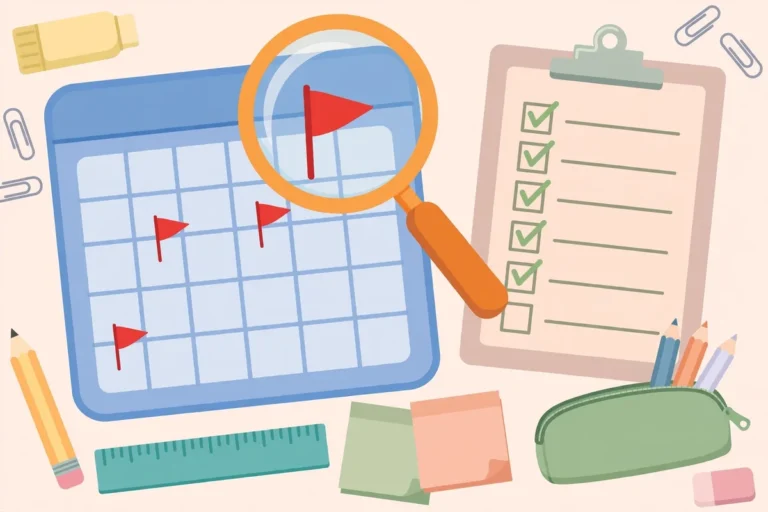
Find missing and late assignments in Schoology as an EPISD student: use the Upcoming list, grades page, and course filters to spot overdue work before it hurts.
Learn how to take quizzes and tests in Schoology as an EPISD student: open assessments, answer each question type, submit correctly, and check your scores.
Complete EPISD guide to finding and downloading course materials in Schoology. Locate folders, attachments, and files, plus troubleshooting for students.
Learn how to change notification settings in Schoology for EPISD. Step-by-step guide for email, app, and SMS alerts so you never miss an assignment again.
End of content
End of content