How to Use the Schoology Calendar in EPISD: Track Assignments and Events
Use the Schoology calendar in EPISD: find due dates, read color-coded courses, open event details, sync it with your phone, and pair it with the Upcoming list.

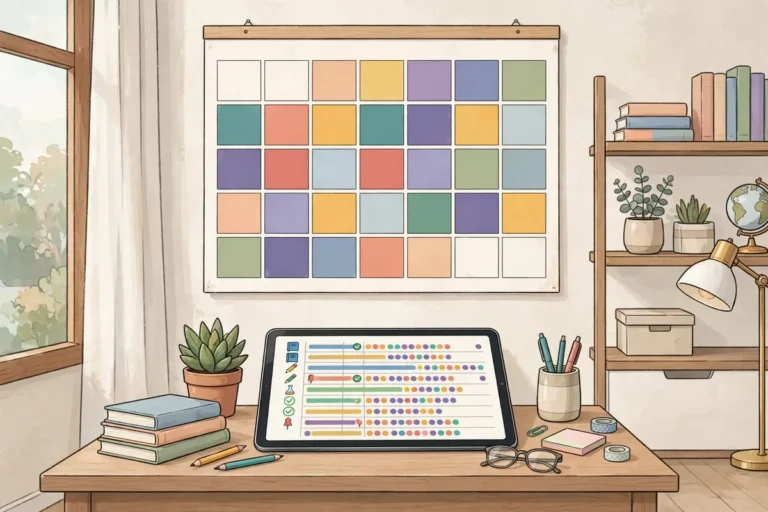
Use the Schoology calendar in EPISD: find due dates, read color-coded courses, open event details, sync it with your phone, and pair it with the Upcoming list.

Message your teacher in Schoology: how to send messages on the website and mobile app, etiquette tips, checking replies, and what to do if there’s no answer.

Learn how to submit assignments in Schoology for EPISD students — file uploads, Google Drive links, resubmissions, and checking your work was received.

Locked out of Schoology? Here’s how EPISD students and parents can reset a Schoology password, step by step.

Schoology EPISD login not working? This guide covers 10 common login problems and exactly how to fix each one.

Learn how to check grades in Schoology for EPISD — on the website and mobile app. Includes grade reports, understanding scores, and parent monitoring tips.
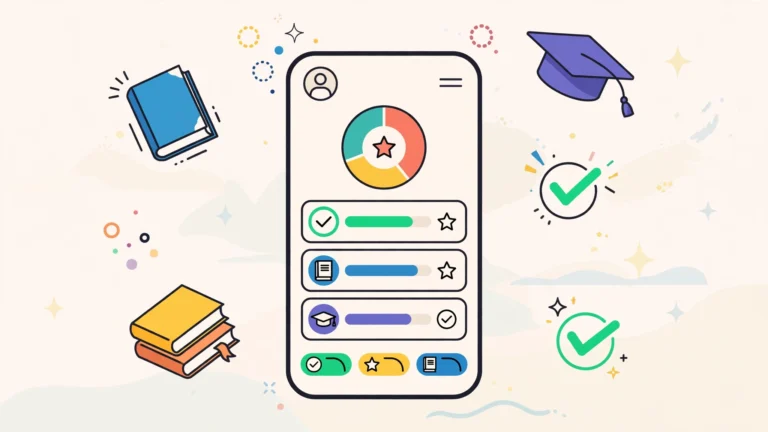
Download the official Schoology app for EPISD. Step-by-step login guide for students and parents on iPhone and Android, features, tips, and troubleshooting.
End of content
End of content