How to Check Report Cards and Progress Reports in Schoology (EPISD Guide)
How to check EPISD report cards and progress reports in Schoology and the Parent Portal — view grades, download and print report cards, fix missing ones.


How to check EPISD report cards and progress reports in Schoology and the Parent Portal — view grades, download and print report cards, fix missing ones.

EPISD parents: link multiple children to one Schoology parent account with this step-by-step guide. Manage all your kids from a single login.
Complete EPISD guide to finding and downloading course materials in Schoology. Locate folders, attachments, and files, plus troubleshooting for students.
Learn how to change notification settings in Schoology for EPISD. Step-by-step guide for email, app, and SMS alerts so you never miss an assignment again.
Use the Schoology calendar in EPISD: find due dates, read color-coded courses, open event details, sync it with your phone, and pair it with the Upcoming list.

Message your teacher in Schoology: how to send messages on the website and mobile app, etiquette tips, checking replies, and what to do if there’s no answer.

Join a Schoology course with an access code in EPISD: where to get your code, step-by-step joining on web and app, plus fixes for codes that won’t work.
Learn how to view your child’s attendance in Schoology as an EPISD parent: attendance codes explained, absence notifications, and how to fix errors fast.
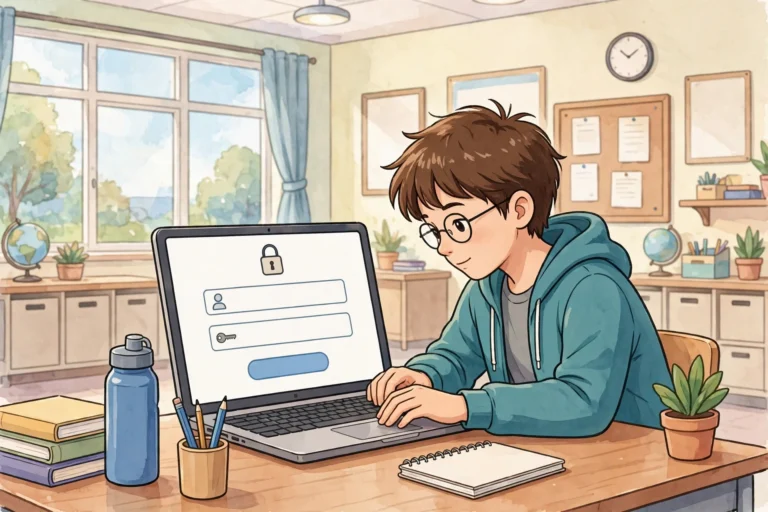
Learn how to log in to Schoology EPISD as a student, find your courses and assignments, and log out safely on shared devices. Complete step-by-step guide.
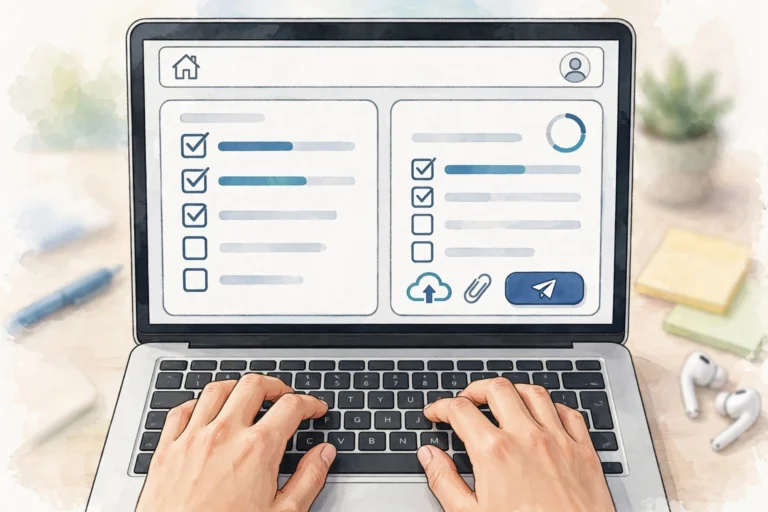
Learn how to submit assignments in Schoology for EPISD students — file uploads, Google Drive links, resubmissions, and checking your work was received.
End of content
End of content