How to Use Schoology on an iPad: EPISD Guide
Use Schoology on an iPad for EPISD: install the app, log in, check grades and assignments, submit work, and turn on notifications.


Use Schoology on an iPad for EPISD: install the app, log in, check grades and assignments, submit work, and turn on notifications.

Learn how to set up a Schoology parent account in EPISD: get your parent access code, sign up, link children, and log in for the first time.
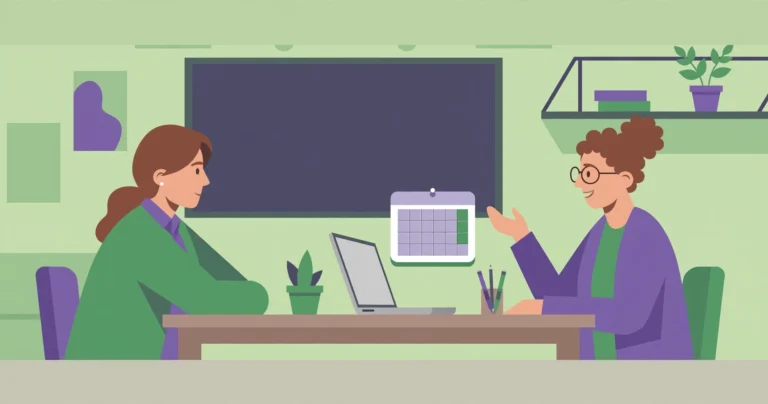
Sign up and prepare for EPISD parent-teacher conferences with this Schoology guide: scheduling steps, what to review, questions to ask, and follow-up tips.
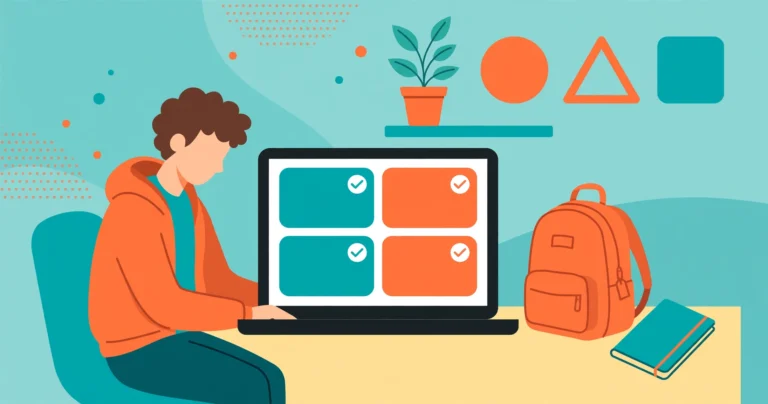
EPISD student guide to using Schoology on a Chromebook: sign in correctly, navigate courses, submit assignments, take quizzes, and fix common issues fast.

Learn how to enroll your child in EPISD schools with our step-by-step registration guide — required documents, eligibility, online portal steps, and FAQs.

Join Schoology discussions in EPISD the right way: post thoughtful responses, reply to classmates, and follow the discussion etiquette your teachers expect.
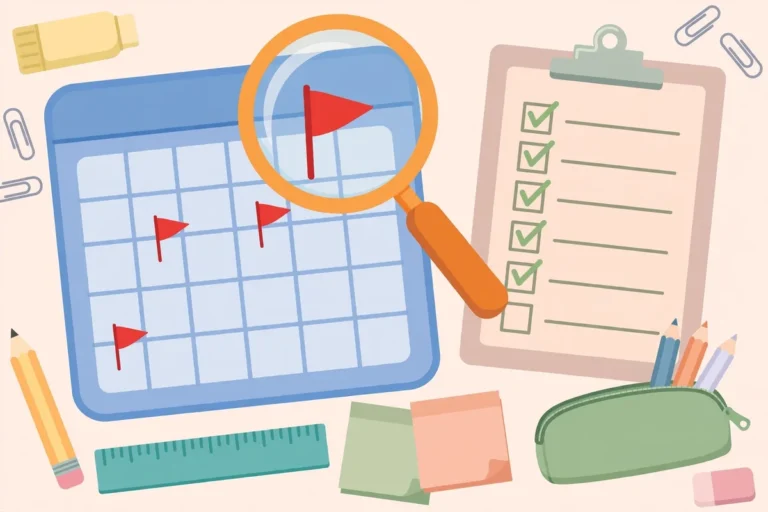
Find missing and late assignments in Schoology as an EPISD student: use the Upcoming list, grades page, and course filters to spot overdue work before it hurts.
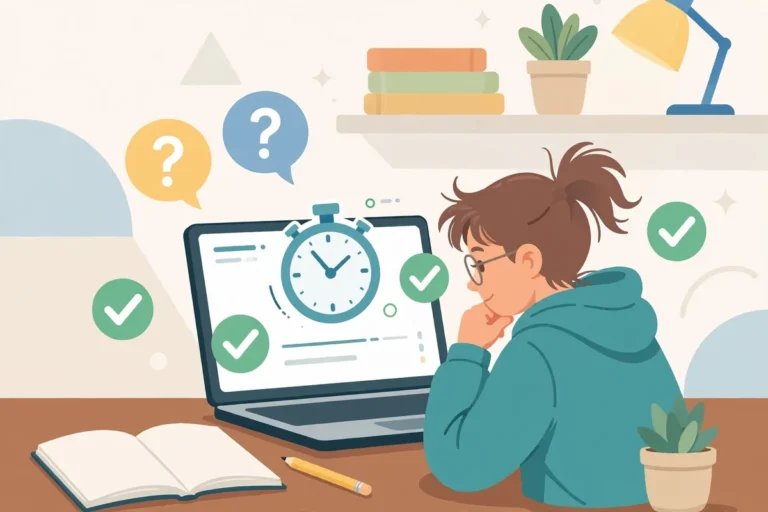
Learn how to take quizzes and tests in Schoology as an EPISD student: open assessments, answer each question type, submit correctly, and check your scores.
The Schoology EPISD grading scale explained — weighted grade categories, where to find grade details, a worked example, and GPA calculation basics.

How to use Schoology Groups in EPISD — join a group with an access code, take part in discussions and shared resources, and leave when you’re done.
End of content
End of content